Registration
Online Golf Tournament Registration Software
Live Tourney is golf tournament registration software for golf courses, clubs and event organizers. Players sign up and pay by card on a registration page for your tournament or outing, as individuals, teams or foursomes, and the registered field goes straight into pairings, scorecards and live scoring.
Registration and payments are included in every plan: $199 for a single event, $2,700 per year for unlimited events, or Live Tourney Pro at $3,900 per year, each with a 10-day free trial. See pricing.
How Online Registration Runs
Four steps from an empty event to a paid field with pairings.
Build the Registration Page
Set up registration while you create the event. The editor shows a live preview of the public page, on desktop and phone, as you set the description, dates, player limit, questions and prices.
Share One Link
Send the registration link by email, post it, or put a Register button on your own website. The page works on phones, tablets and computers.
Players Sign Up and Pay
The guided page takes players one step at a time through players, questions, review and payment, and they pay by card without leaving it. A confirmation email with the event details follows.
Turn the Field Into Pairings
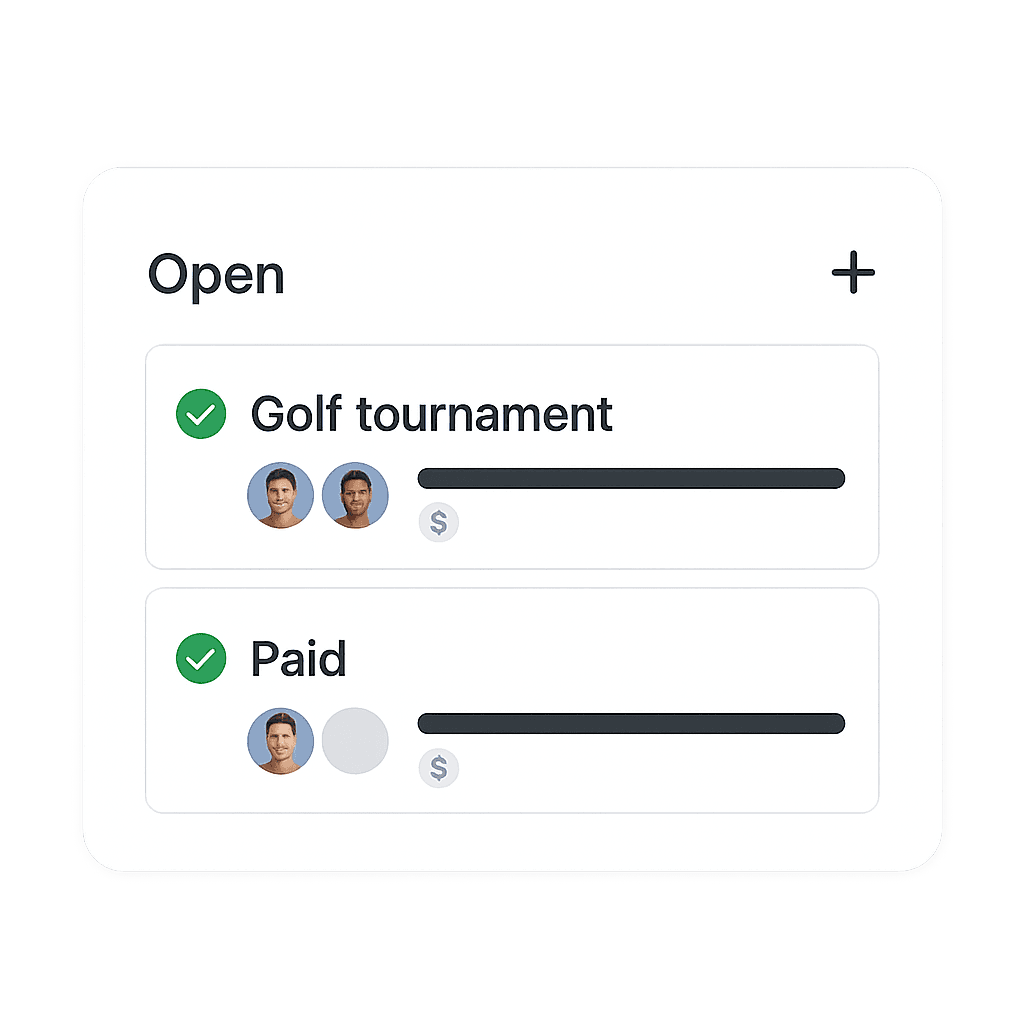
When registration closes, Finish Event Setup opens the event with your registered players already added, so you go straight to teams, pairings and tee times or a shotgun start.
How finishing event setup works
Sign-Up Types
Individual, Team and Foursome Sign-Ups
The registration form follows the event: individuals, teams, or a package that covers a whole group.
Individuals and Groups
Each player registers and pays for themselves. Turn on group registration and one person can sign up two to four players with a single payment. They are placed together when you build pairings.
Teams
In a team event one person registers the whole team. You can require every spot on the team to be filled before the registration can be submitted.
Foursomes and Sponsor Packages
A price tier can cover up to four golfers for one price, such as a foursome or a sponsorship level that comes with playing spots. The buyer pays once, and any spot left unnamed is held for you to fill in later.
Members and Guests
Players can find themselves in your club roster, which fills in their name and handicap. Restrict an event to members only, or give members their own price.
Entry Fees, Add-Ons and Payouts
Payments run through Stripe. Stripe handles the card data and deposits the money to your bank account.
A processing fee applies to each online payment. The pricing screen shows what the player pays, the fee and what is paid to you for every price.
Price Tiers
Charge one entry fee or several, such as a member price and a guest price, and limit a tier to the clubs in your roster.
Add-Ons
Sell extras at sign-up, such as mulligans, a skins entry, a cart or dinner tickets. Each add-on has a price, a limit per person and an optional total inventory, and is offered per player or per registration.
Who Pays the Processing Fee
Choose whether you cover the fee, the player pays it on top of the price, or the player decides at checkout.
Payout Accounts
Connect one Stripe account or several and pick which one receives each event’s money, for example to keep a charity event apart from regular club events.
About Stripe payout accountsRefunds
Open a paid registration to see its payment and issue a full or partial refund. The refund policy is yours to set.
Capacity
Player Limits, Waitlists and Lotteries
Set the size of the field once and let registration hold the line.
Player Limit and Dates
Set when registration opens and closes and the maximum number of players. The limit counts players, not registrations, so a team or a foursome takes the spots it uses.
Waitlist With a Saved Card
When the event is full, players can join a waitlist. On a paid event they save a card that is charged only if they get a spot. When a spot opens, the next waitlisted player whose group fits is moved in automatically, or you can promote players yourself.
Lottery Registration
For an event with more demand than spots, switch the format to Lottery. Everyone enters, you fill the field with a random draw or by picking entries, and only selected players are charged.
How lottery registration works
Questions
Questions, Handicaps and Waivers
Collect what you need for pairings, carts and catering in the same form.
Custom Questions
Ask for shirt sizes, meal choices or cart partners with text, number, date, yes or no and multiple choice questions. Ask once per registration or of every player, and show a follow-up only after a certain answer.
Handicaps at Sign-Up
Players enter a GHIN number and their handicap is looked up, or they type a handicap, or they register as a guest with a name only. You choose which of the three to offer.
Waivers
Add a waiver or consent checkbox under text you write. Live Tourney records when it was accepted and which version of the text was shown.
Tee Time Selection
Let players pick a tee time from the times that still have open spots, and watch the field fill on a tee sheet with one line per time.
After Sign-Up
Manage the Field Until Tee Off
Late adds, cancellations and the numbers your accountant asks for.
Add Players Yourself
Add a player who called the shop, mark them as paid, or send them a payment link for what they owe. You can add late players after registration has closed.
Managing registrationsChanges and Cancellations
Every confirmation email carries a link back to the registration. A player can cancel a free registration from it. For a paid registration they contact you, and you issue the refund.
Export and Analytics
Download every registration, answer and add-on as a spreadsheet with dollar columns for each fee and add-on. The Analytics tab shows how many people viewed the page, started the form and finished.
Registration Setup Guides
The help center walks through each screen. These are the articles organizers open most when they set up registration.
- Setting Up Online RegistrationEvery setting on the registration page: sign-up types, questions, prices, add-ons and waitlists.
- Payment Processing With StripeConnecting Stripe, the processing fee, payouts to your bank and refunds.
- What Players SeeThe registration page from the player’s side.
- Website WidgetsPut an event card, schedule or Register button on your own website.
- All Live Tourney FeaturesLive scoring, printable scorecards, side games and payouts for the same event.
- Golf League SoftwareWeekly sign-ups, substitutes and season standings for leagues.
Testimonials
What Our Customers Say
 Josh Immordino

Live Tourney brings a professional feel to our club events. It's been a game changer.
 Kyle Kelly
Our players love Live Tourney. Much easier to use than other programs.
 Joeseph Sewell
Great platform to host and run golf tournaments and outings more efficiently.
 Karen Finken
Live Tourney has made all the difference in our events. We could not be happier!
 AP National Golf Club
Live Tourney has revolutionized our scorekeeping and payment processing, and turned up the excitement in our club 100-fold.
 Bryan Tupper
Live Tourney has been tremendous. The service and speed is unmatched.
FAQs
Golf Tournament Registration Questions
Do players need to download an app to register?
No. Live Tourney is web based, so there is no app to download. Players open your registration link in the browser on a phone, tablet or computer, fill in the form and pay by card. A confirmation email follows.
How much does golf tournament registration software cost?
Registration and payments are part of every Live Tourney plan: $199 for a single event, $2,700 per year for unlimited events, or Live Tourney Pro at $3,900 per year. Each starts with a 10-day free trial. A processing fee applies to each online payment, and you choose whether you or the player pays it.
Can a team or a foursome register and pay together?
Yes. In a team event one person registers the whole team. In an individual event you can allow group registration of two to four players with one payment, or create a price tier that covers up to four golfers for one price, such as a foursome or a sponsor package.
What happens when the tournament fills up?
With the waitlist turned on, new sign-ups join a waitlist. On a paid event they save a card and nothing is charged. When a spot opens, the next waitlisted player whose group fits is moved into the field automatically and their card is charged, or you can promote players yourself.
Where does the registration money go?
Payments are processed by Stripe and deposited to the bank account on the Stripe account you connect. You can connect more than one Stripe account and choose which one each event pays into.
How is this different from a Google Form or a general sign-up tool?
A form gives you a list of answers that someone then types into the tournament. Live Tourney registration is part of the tournament software: sign-ups can carry a GHIN handicap, teams and foursomes count against the player limit, and the registered field opens in the pairings step. The same event then prints scorecards and runs live scoring.
Start Your Free Trial
Take the first step toward better golf tournaments. Sign up now and start your free trial with Live Tourney.
- Instant Access
- Easy Setup
- No Credit Card Needed

