
Sep 27, 2026
live scoring eventing, golf tournament software, app-free scoring, event management, live leaderboards
Discover how live scoring eventing transforms golf tournaments. Learn the benefits, app-free approaches, and best practices for running seamless events.

The tournament starts before the first tee time, and too often it starts badly. Players queue at the pro shop while staff sort paper scorecards, pairings live in a spreadsheet, and someone asks where the latest leaderboard should be posted. By the time the first groups finish, the event team is still reconciling handwriting, chasing missing cards, and answering questions about results that should already be visible.
Modern live scoring eventing changes that operating model. Players enter scores hole by hole from a phone, organizers receive structured updates as play progresses, and spectators can follow a leaderboard without waiting for the last card to reach the scoring desk. The important shift isn't just replacing paper with a screen. It's creating a dependable flow of information that works for players, staff, and guests throughout the event.
Understanding Live Scoring Eventing Fundamentals
A traditional tournament morning depends on several handoffs. The pro shop prints cards, staff confirm pairings, players write scores during the round, and volunteers collect the cards afterward. Every handoff creates an opportunity for a name to be missed, a score to be misread, or a result to remain invisible until someone has time to update a spreadsheet.
I've seen the difference a modern setup makes before a single group reaches the turn. Players receive a scoring link at check-in, confirm their group, and enter each hole from a browser. Staff can monitor progress from the scoring desk while the leaderboard updates for people in the clubhouse and at home. The result feels less like an administrative project and more like a managed event.
A useful overview of golf tournament live scoring makes the distinction clear. Digital scoring stores information electronically, but live scoring adds timing, distribution, and visibility. The score isn't merely saved for later. It becomes an event update that authorized people can use while the round is still underway.
What players actually experience
For the player, the best system removes decisions rather than adding them. They shouldn't need to learn a complicated interface, remember a separate login, or walk back to the pro shop because a score didn't sync. The scoring page should open on a phone, identify the group, show the current hole, and make the next action obvious.
That simplicity matters for mixed fields. A member who plays every weekend and a guest attending a charity outing have different levels of technical confidence, but both need to start quickly. Browser-based access lets organizers provide one link through email, text, a QR code, or a cart sign.
What organizers gain
Behind the simple player experience sits a management layer for rosters, pairings, formats, score validation, reports, and displays. Staff can see which groups have started, identify gaps, and correct administrative errors before they become end-of-day problems.
Live scoring also changes the atmosphere. A spectator checking the leaderboard sees movement as the round develops, while a player who finished early can follow the competition instead of leaving the event mentally. The course still provides the competition, but the scoring system keeps the story visible from arrival through the final putt.
Practical rule: If a player needs a staff member beside them to begin scoring, the system is carrying too much complexity into the event.
The Core Mechanics of Real-Time Event Scoring
Live scoring works best when organizers treat every score as an event moving through a controlled pipeline. The player creates the update, the system checks it, the platform stores it, and connected screens receive the result. That sequence has to be fast enough for live use and reliable enough to reconstruct what happened if a connection drops.
From score entry to public update
A typical architecture has three operational layers:
Provider and ingestion: Score events arrive through webhooks or persistent feeds. The ingestion service validates the incoming payload, confirms the relevant contest, and normalizes the data into a consistent structure.
Durable event history: The normalized update is written to an event log such as Kafka, keyed by an identifier like
match_idorgame_id. Keeping events ordered within a contest helps prevent an older update from overwriting a newer one.Fan-out and delivery: Consumers publish accepted changes to Redis pub/sub or WebSocket connection servers. Those servers deliver low-latency updates to browser scorecards, leaderboard pages, clubhouse displays, and other authorized clients.
This separation matters because writing scores and serving many viewers are different workloads. If every screen reads directly from the same transactional system that accepts player input, a busy leaderboard can compete with the operation that protects scoring accuracy. A durable event stream separates write amplification from client fan-out, while also making replay, backfill, and audit review practical if a state cache is lost. The architecture is described in more detail in this live scoring system design discussion.

The leaderboard is more than a total
A useful golf leaderboard gives people enough context to understand the competition without opening a separate report. Depending on the format, it can show:
Player identity: Name and country, where relevant.
Relative position: Total score relative to par and the current round score.
Progress: The hole reached, such as “Thru 14,” rather than only a finished or unfinished label.
Scheduling context: Tee time and position in the field.
Competition status: Cut-line position, made-cut indicators, withdrawn status, or other event markers.
That detail helps spectators interpret movement. A player two strokes behind after eighteen holes tells a different story from a player two strokes behind with several holes remaining. For organizers, the same structured data supports reports, displays, and post-round reconciliation instead of forcing staff to maintain separate versions of the truth.
Key Benefits for Players and Tournament Organizers
The strongest argument for live scoring is operational, not decorative. A tournament team spends less time transcribing information and more time managing the player experience. Players spend less time asking where results are posted and more time following the competition.
Participation follows convenience
Golfers have already shown that mobile score posting can become ordinary behavior when the process is accessible. The National Golf Foundation reported that the share of score-posting golfers using the GHIN mobile app rose from 24% in 2016 to 67% in 2021, while more than 2.6 million golfers were posting scores through GHIN and usage had grown 211% since 2017. Those figures come from the National Golf Foundation's analysis of golf app usage.
The lesson for tournament operators isn't that every event needs the same app. It's that golfers will adopt digital scoring when it fits naturally into the round. A link that opens immediately on a phone can remove the barrier created by downloads, account creation, and forgotten passwords.
The broader behavior is visible in organized golf as well. England's WHS platform recorded more than 5.75 million scores in the first six months of 2025, a 29% year-over-year increase, and April 2025 submissions were up 98% compared with April 2024, according to the same NGF source. Live scoring belongs to a wider move toward mobile, timely score entry, not only to professional broadcast environments.
Staff benefit from one controlled workflow
Paper cards create work after the round. Someone must read them, compare markers' entries, resolve unclear handwriting, calculate totals, update standings, and answer questions from players waiting for results. Digital entry doesn't remove the need for judgment, but it moves much of the arithmetic and visibility into the system.
That changes where staff attention goes. Instead of maintaining several parallel records, the pro shop can focus on exceptions, player support, format decisions, and the presentation of the event. A live leaderboard also keeps finished players engaged in the clubhouse, which gives the tournament more room to support food, conversation, awards, and sponsor activity.
SMT's description of ShotLink shows the scale at which real-time scoring infrastructure operates. Its PGA Tour system tracks about 1.5 million shots per season, supporting live leaderboards, media graphics, and instant scoring updates, while its systems also synchronize score and clock data for NCAA tournament broadcasts. The SMT overview of real-time scoring infrastructure illustrates why event scoring is now part of both competition operations and spectator production.
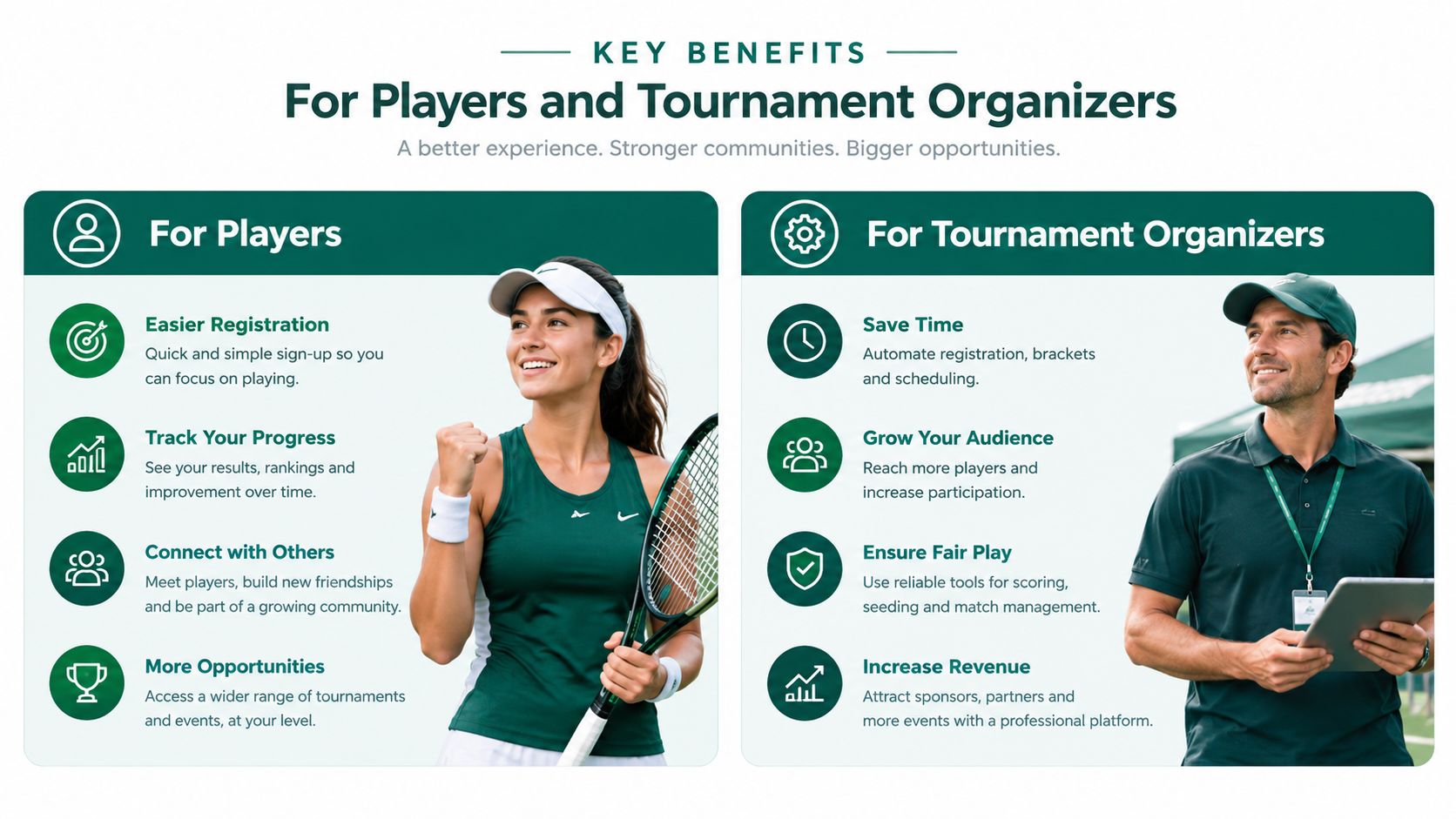
The right takeaway is practical: live scoring creates value when it reduces friction for players and reduces reconciliation for staff. A polished display without dependable entry is window dressing. A reliable scoring workflow that nobody uses is equally ineffective.
App-Based Versus App-Free Scoring Approaches
The choice between app-based and app-free scoring is really a choice about who carries the friction. With an app, the player usually carries it. With a web platform, the organizer can carry more of the setup centrally and give the player a direct route into the event.
App-based systems can work well for recurring leagues or clubs where participants already use the same application. They may support persistent profiles, notifications, and a familiar scoring routine. The problem appears when every event includes new guests, corporate participants, charity players, or people who don't want another application on their phone.
A browser-based approach opens through a link. Players don't need to visit an app store, wait for an installation, create an account, or recover a password before the first tee. That doesn't make app-free systems automatically superior. They still depend on good mobile design, clear group assignments, stable connectivity, and a recovery process for lost links. But they move the first-use experience closer to the moment when scoring is needed.
A practical comparison
Feature | App-Based Systems | App-Free Web Platforms |
|---|---|---|
First-time access | Often requires download, installation, and possible account creation | Opens through a browser link |
Guest participation | Can be difficult for players unfamiliar with the app | Suits mixed fields and one-day events |
Updates | May depend on app version and device settings | Delivered through the browser experience |
Branding and distribution | Usually tied closely to the application | Links can be shared through email, text, QR codes, and printed materials |
Ongoing league use | Persistent profiles can be useful for repeat participants | Simple access remains convenient, but organizers must manage secure links |
Support burden | Staff may troubleshoot downloads, permissions, and logins | Staff focus on roster, pairing, and scoring questions |
The operational test is simple. Ask a first-time participant to begin scoring while standing near the first tee, with other groups waiting. If the process requires several explanations, the event team has chosen a system optimized for software administration rather than player participation.
For a practical look at browser-based workflows, this guide to mobile golf scoring without unnecessary app friction is useful. The best platform is the one that matches the event, but for short-format outings and mixed fields, immediacy usually beats installation.
Implementation Considerations for Golf Tournaments
A smooth live-scored event starts with configuration, not with the first player opening a link. The roster, pairings, format, scoring rules, and display settings should agree before staff invite the field.
Build the event in a controlled order
Load the roster carefully. Check spelling, handicaps, divisions, contact details, and duplicate entries. A wrong player record can follow a score through every later report.
Assign groups and markers. Confirm who plays together and who records for whom. Many golf organizations require players to score their own rounds while serving as a marker for another player, with scores remaining unofficial until the round is complete and signed cards are submitted. The MHSAA golf manager manual describes this type of procedure.
Configure the format. Stroke play, match play, scrambles, Ryder Cup formats, and multi-round events don't use the same calculations or displays. Test the scoring logic with a small internal group before publishing the event.
Set the activation rule. Some regulations specify that live scoring becomes active only after the first tee time. They may also require one player in each group to complete the live scoring and ask players to verify that every group member appears on the scoring screen before play begins. The tournament live-scoring regulations provide an example of these requirements.
Prepare the official closeout. Decide how digital scores will be checked against signed scorecards, who can amend an error, and when the leaderboard becomes final. Live visibility and official certification are related, but they aren't always the same step.

Connectivity deserves its own check. Walk the clubhouse, staging area, and likely tee locations with the devices staff will use. If the venue needs broader guest access or a clearer plan for event-day connectivity, a practical guest Wi-Fi planning guide for venues can help staff think through capacity, access, and support before players arrive.
Test the exceptions
Don't test only a perfect round. Enter a correction, remove a player, change a pairing, and verify what happens when a group is incomplete. Staff should know who has permission to edit a score and how the system records that change.
Before the first tee: Confirm the field, group screens, activation timing, scoring format, and official reconciliation process. A short verification prevents a long afternoon of manual repair.
Best Practices for Running a Live-Scored Event
Technology gets players started, but communication keeps them participating. The player meeting should include one clear explanation of who enters scores, when each hole is submitted, how a marker verifies the round, and where to get help.
Show the actual scoring screen on a monitor or printed card. Avoid describing a sequence that players can't see. Ask one volunteer group to open the link before the meeting ends, then use their questions to clarify the process for everyone else.
Put the access point where players already look
Place the scoring link in several physical and digital locations:
Cart signs: Print a large QR code with a short instruction such as “Open your group scoring link before teeing off.”
Bag tags: Keep the same access information visible after players leave the staging area.
Email and text: Send the link before arrival, then provide a second event-day message for people who missed the first one.
Player meeting screen: Display the URL and QR code while explaining the scoring routine.
Dynamic emails can do more than distribute access. They can remind players to complete a hole, explain a correction process, announce a leaderboard update, or direct finished players toward the clubhouse. Use short messages with one action each.

Plan for ordinary mistakes
A player will lose a link, enter the wrong number, or discover that a teammate is missing from the group. That isn't a platform failure by itself. The failure comes when staff have no recovery path.
Keep a help station or support number visible. Give staff a short script: verify the player, confirm the group, restore access, and correct the entry with an audit trail. Don't ask the player to create a second record, because duplicate identities make later reconciliation harder.
Connectivity may also vary across the course. Encourage groups to submit scores hole by hole when service is available, but make sure staff understand how delayed submissions appear and how to identify a group that has stopped reporting. The objective isn't to pretend every connection is perfect. It's to make interruptions recoverable without returning the event to paper.
Elevating the Modern Tournament Experience
Professional tournament management doesn't require a complicated system that only one trained employee understands. It requires clear data, sensible controls, and an interface that lets staff act quickly when the field changes.
The old assumption was that serious software had to be difficult because the event itself was complex. That confuses backend capability with front-end burden. A platform can support rosters, pairings, match play, scrambles, reports, registrations, payments, side games, payouts, displays, and live scores while still giving a player one simple browser page.
Replace the spreadsheet chain
Spreadsheets remain useful for planning, but they become risky when they serve as the roster, scoring engine, leaderboard, payment record, and final report at the same time. Each manual copy creates another chance for inconsistency. A modern platform should let staff configure the event once and reuse the underlying data across player access, score collection, leaderboard views, and reports.
The same principle applies to presentation. A screen in the clubhouse, a page shared with guests, and a mobile leaderboard should reflect the same current event state. Guidance on screen, stream, and leaderboard mirroring can help organizers decide how to present results without creating separate manual displays.
Choose simplicity with safeguards
The strongest setup combines app-free access for players with structured controls for staff. Players get immediate entry on their phones. Organizers retain roster management, format rules, correction permissions, and an official closeout process.
Live Tourney is one example of this model. It provides browser-based scorecards, real-time leaderboards, tournament and league management, roster and pairing tools, reports, dynamic emails, and payout support through a web platform that doesn't require player app downloads. The right choice still depends on the facility's formats, support needs, and operating habits.
A modern event should feel calm at the pro shop, understandable on the course, and alive in the clubhouse. Start by mapping every paper handoff in your current process, then replace the steps that create delay or duplicate work. The goal isn't technology for its own sake. It's a tournament where staff can concentrate on hospitality and players can follow the competition without waiting for the paperwork to catch up.
If your current tournament still depends on paper cards, scattered spreadsheets, or mandatory app downloads, evaluate Live Tourney's browser-based scoring and event management workflow for your next outing. Visit Live Tourney to see how you can configure rosters, publish live leaderboards, and give players a simpler way to score from any device.





