
Aug 31, 2026
golf tournament invitation templates, golf event invitations, golf tournament planning, editable invitation templates, golf registration
Explore 10 golf tournament invitation templates for print, email, and social events, with customization tips and Live Tourney registration guidance.

You need an invitation that looks professional, explains the tournament clearly, and gets players to the right registration page without creating another administrative task. The choice becomes harder when the event includes sponsors, charity information, printed mailers, digital RSVPs, or a Live Tourney registration or scoring link.
The right tool depends on the audience and delivery channel. A corporate outing may need a branded PDF and QR code, while a league may need a fast mobile invite with RSVP tracking. A club event might benefit from printed stationery, whereas a last-minute tournament needs a shareable link that reaches players immediately.
The resources below cover design platforms, online invitation services, and print providers. Each one works best for a different operational need. Use the design tool to create the invitation, then connect it to registration, payment, RSVP collection, QR-code access, or live scoring instead of forcing the invitation to carry every event detail. For broader wording and timing guidance, review this expert invitation advice from Venue Finder.
1. Canva
Canva's golf invitation templates are a strong starting point when you need a polished design quickly and want the same visual identity across the rest of the tournament. Its gallery includes golf-themed layouts for printed invitations, digital graphics, event flyers, and social posts. The drag-and-drop editor makes it simple to replace sample text, adjust colors, add a course photograph, and place a sponsor or club logo.
Canva works particularly well for organizers who handle several event materials themselves. You can create the invitation first, then resize the design for social media, signage, or email graphics. Paid plans add brand controls and team collaboration, which helps when a tournament director, pro shop employee, and marketing contact all need to work from the same assets.
Practical rule: Put the registration destination near the top of the design, not buried in small print at the bottom.
Export a print-ready PDF for a mailer or flyer, or use PNG or JPG for digital distribution. Add a tested QR code that opens the Live Tourney registration page, and include the direct link in the digital version for people who'd rather tap than scan. A separate scoring link can be added only when players need access before or during play. For guidance on building a recognizable event mark, use this resource on creating a tournament logo.
Best fit: Branded corporate outings, charity events, club tournaments, and organizers producing several coordinated materials.
Watch for: Some premium design elements require a Pro plan, and print fulfillment options can vary by location and add cost.

2. Adobe Express
Adobe Express golf tournament flyer templates are useful when the invitation needs a cleaner, more editorial appearance. The library is flyer-focused, so you may need to adapt the layout for a formal invitation, but that flexibility can be valuable for tournaments that want a modern event announcement rather than a traditional card.
Adobe Express combines ready-made layouts with Adobe Fonts, image editing, and controls for typography, spacing, and color. The web and mobile experience also suits organizers who make last-minute changes away from the office. You can prepare a print PDF, create a digital image for email, or add a QR code that routes players to registration.
The main trade-off is that a visually attractive flyer can still fail as an operational invitation if it doesn't answer basic player questions. Before exporting, replace decorative copy with the event name, date, start time, course, format, entry deadline, cost, contact details, and a clear action.
Use it when: You want professional typography and image treatment without building the design from scratch.
Do this before sending:
Clarify the action: Use one primary CTA, such as “Register now,” rather than competing buttons for registration, sponsorship, and scoring.
Test the destination: Scan the QR code from a phone and open the direct link on mobile.
Separate player tasks: Keep registration prominent, and include live scoring only if players will use it.
Paid plans may be necessary for advanced features, templates, or brand controls. Since many available layouts are designed as flyers, review the finished design as an invitation, not merely as a poster.
3. PosterMyWall
PosterMyWall's golf template collection is a practical choice when you need variety more than strict brand governance. The catalog includes 3,000+ golf-themed templates for invitations, flyers, and social posts, giving organizers plenty of directions for charity outings, corporate days, club competitions, and league announcements.
Its editor is built for quick swaps. Replace the sample headline, upload a logo, adjust the color scheme, and create variations for different sponsors, divisions, or event dates. That makes PosterMyWall more useful for a tournament series than for a single invitation that needs extensive design-system control.
The platform also offers multiple download formats and optional print services. Subscription and credit options can help with higher-resolution downloads or email sends, but the final cost depends on the assets and services selected.
A broad catalog can create its own problem. Some designs are user-submitted, so visual quality and layout discipline vary. Choose a template with enough open space for operational details rather than selecting the most decorative golf graphic.
A strong invitation should make the registration step easier, not force players to search for it.
For a multi-event schedule, create one master version and duplicate it. Keep the tournament name, sponsor treatment, and CTA in the same positions across every variation. Change only the event-specific fields, then test each QR code and registration URL separately.
Best fit: Fast production of several invitations, charity and corporate outings, and budget-conscious organizers who don't need enterprise-level brand controls.
Limitation: Selection is broad, but consistency depends on the individual template. Proof the text, logo placement, and print quality before distribution.
4. Visme
Visme's invitation templates suit tournaments where the invitation also needs to function as an information sheet. Compared with a simple card editor, Visme gives you more control over layout, brand assets, and reusable design elements. That matters when the invitation must align with tee sheets, sponsor slides, signage, and social graphics.
Golf-specific selection is more limited than on consumer invitation marketplaces, so you'll likely adapt a general invitation design. The advantage is precision. You can build a clear information hierarchy, reserve a dedicated area for registration, and keep sponsor details visible without allowing them to overwhelm the player action.
Export options include print-ready PDF and digital formats. Team collaboration on higher tiers can help when the club, charity, and event committee all review the same file. Brand asset management also reduces the risk of using different logos or colors across the tournament materials.
Use the invitation as the first step in a larger event path:
Invitation: State what the event is and why the recipient should attend.
Registration page: Collect player, team, payment, and contact information.
Confirmation: Give the player the information needed after registering.
Scoring page: Share the live leaderboard or score-entry destination when appropriate.
That separation keeps the invitation readable. Don't turn the first touchpoint into a miniature tournament handbook.
Best fit: Branded club events, sponsor-heavy outings, and teams producing coordinated invitation, signage, and presentation materials.
Limitation: The strongest brand and collaboration features are paid, and the golf template selection requires more adaptation than a golf-only marketplace.
5. Venngage
Venngage invitation templates work best when a golf invitation must communicate more than the basic event announcement. Its infographic-oriented approach supports information-dense layouts, which can help charity and corporate organizers explain sponsorship tiers, beneficiary information, participation requirements, and event logistics in one controlled design.
The platform includes editable templates, brand kit support, PNG and PDF exports, presentation mode, and collaboration tools. Business and Enterprise options provide stronger brand controls, which can be useful when multiple people are editing a fundraising invitation.
Venngage doesn't offer the same depth of golf-specific designs as a dedicated sports template library. That isn't necessarily a weakness. A general template may be easier to adapt when the tournament has a formal corporate identity or needs to prioritize information over golf illustrations.
The risk is overloading the page. Registration completion usually depends on a clear next step, so don't give the sponsor section equal visual weight to the date, venue, format, cost, and deadline.
Recommended layout:
Top area: Event name, host, date, course, and primary CTA.
Middle area: Format, participation requirements, entry cost, and charity or sponsor information.
Bottom area: Contact details, registration URL, and QR code.
Use a direct registration link for digital invitations and a QR code for printed copies. Test both destinations before exporting. If the event has a separate live-scoring page, introduce it after registration or in the player communications rather than competing with the initial RSVP action.
Best fit: Corporate and charity events with substantial logistical or sponsor information.
Limitation: Paid plans may be required for downloads and advanced brand features, while general-purpose templates need careful adaptation.

6. Zazzle
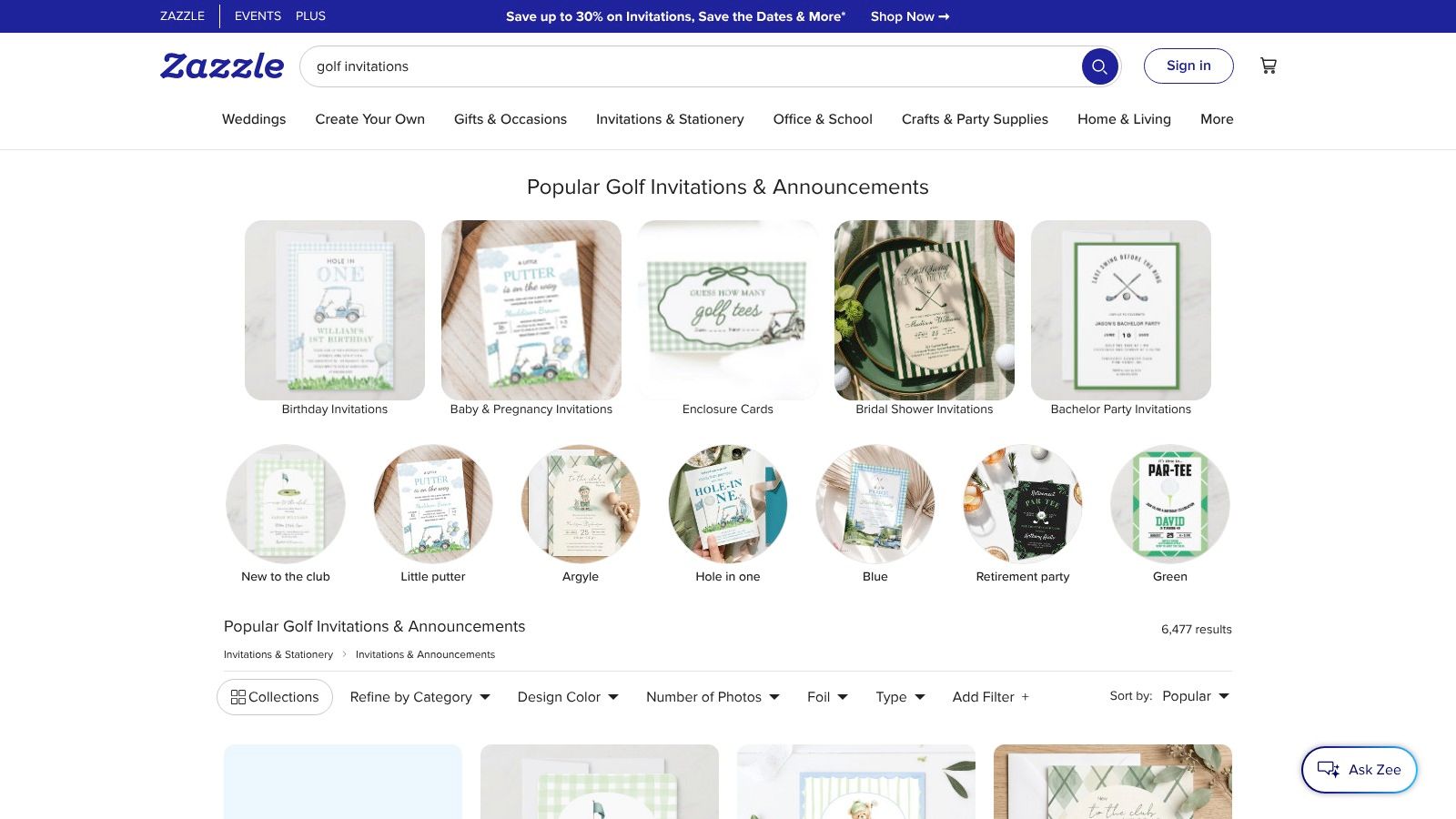
Zazzle golf invitations are designed for organizers who want printed mailers without managing the entire production process themselves. The marketplace includes thousands of golf and “par-tee” designs from independent designers, with paper, finish, size, envelope, and matching stationery options.
That range makes Zazzle useful for sponsor invitations, club-member mailers, and formal event suites where the physical piece is part of the experience. You can also order samples before committing to a larger run, then select a matching design for response cards, envelopes, or related stationery.
Proofing matters more here than it does with a purely digital invite. Individual designer templates can differ in spacing, editable fields, and print behavior. Check the full event name, date, course address, start time, format, cost, registration deadline, and contact information before approving production.
A printed invitation still needs a practical response path. Add a short, readable registration URL or a QR code that leads directly to the correct form. Use the printed piece to create interest and establish credibility, then let the online workflow collect registrations and payments.
Best fit: Professional printed mailers for club members, sponsors, donors, and formal corporate events.
Trade-offs to weigh:
Style range: Extremely broad, but consistency depends on the individual designer.
Fulfillment: Printing and shipping are convenient, but total pricing varies by design, paper, finish, and promotions.
Quality control: Sample ordering reduces risk, especially when the invitation includes a QR code or detailed event information.
Zazzle is less efficient when you need frequent copy changes or rapid digital distribution. It excels when the printed invitation itself carries meaningful value.
7. Vistaprint
Vistaprint invitation templates make sense when the primary requirement is reliable print production and easy reordering. You can start with Vistaprint's editor, upload artwork created in Canva or Adobe Express, choose from sizes and paper options, and add envelopes or finishing choices.
Golf-specific templates are less central than the printing workflow, so uploading a finished design is often the better route for a branded tournament. That approach lets you control the invitation's visual identity while using Vistaprint for production. It also supports recurring events, where a previous design can be updated with a new date, venue, sponsor list, or registration URL.
Bulk printing can be cost-effective, particularly when promotional codes are available, but proofing remains essential. Colors may appear differently on screen and on paper, and small type can become difficult to read after printing. Order a proof or carefully review the digital preview before approving the full run.
Vistaprint also works beyond the invitation itself. The same artwork system can support sponsor inserts, event cards, and course materials. For tournament-day wayfinding, see this guide to golf cart signs.
Best fit: U.S.-based bulk printing, recurring annual outings, sponsor mailers, and organizers who want simple reorders.
Use a separate digital path when: Players need to register immediately, the event date is close, or the roster changes frequently. Printed invitations should direct recipients to the live registration page rather than requiring staff to process replies manually.
8. Paperless Post
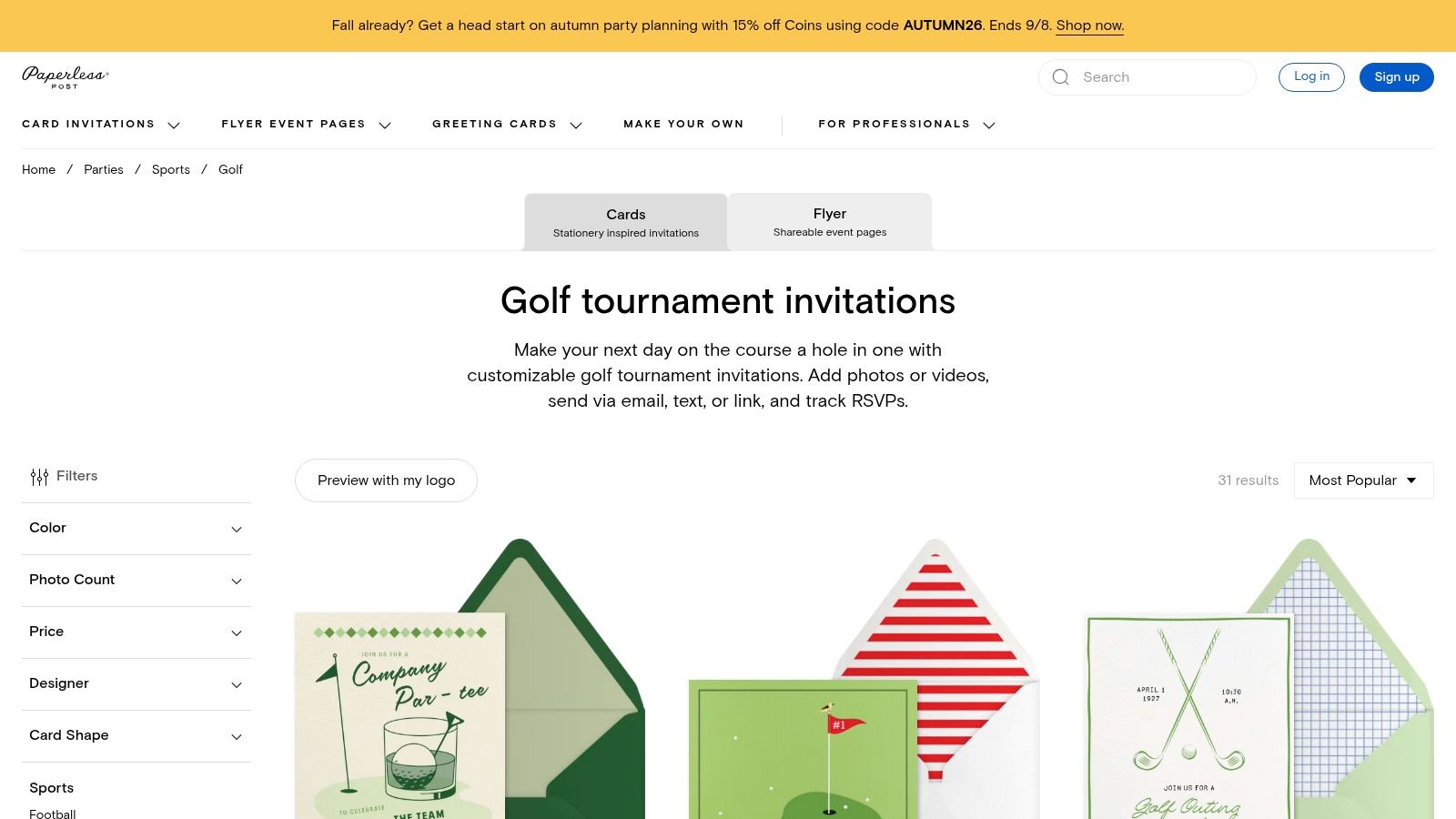
Paperless Post golf tournament invitations are a strong option when guest management matters as much as visual design. The platform combines golf-themed templates with RSVP tracking, reminders, guest messaging, and delivery through email, SMS, or a shareable link.
That combination removes several manual steps from a digital invitation campaign. Guests can respond through the invitation, organizers can monitor replies, and follow-up messages can address people who haven't completed the requested action. For a tournament, the invitation should still direct serious registration details to the Live Tourney page, especially when the event requires payment, team information, or format-specific choices.
The coin-based payment model is the main trade-off. Costs can scale with guest count and premium features, and many of the most polished designs require coins. Budget for the invitation service before choosing a design that depends on paid elements.
Paperless Post is most effective when the audience expects a polished, formal digital experience. It may be more infrastructure than you need for a small casual league, but it can provide a better communication layer for corporate guests, club members, and donors.
Build the message around one primary action:
State the tournament name, host, date, course, and purpose.
Explain the format, cost, deadline, and participation requirements.
Send guests to registration, then use reminders for incomplete responses.
Share the scoring link separately or after registration when players need it.
This keeps RSVP tracking useful without making the invitation the only system of record.
9. Evite
Evite's golf invitations are built for speed. Free and Premium templates, email and text delivery, mobile editing, RSVP tracking, guest lists, and messaging make the platform useful for league events, club announcements, and outings that need to go live quickly.
The tool's simplicity is its main advantage. An organizer can create an invitation, load the guest list, send it, and monitor responses without setting up a complex campaign. Add the Live Tourney registration destination in the invitation description or CTA area, then make the registration form the place where you collect the details needed for pairings, payments, and player communications.
Visual selection requires judgment. Some Evite designs feel more party-oriented than corporate or club-oriented, so choose a restrained layout with clear typography if the audience includes sponsors, executives, or association members. Premium designs and features also add cost.
Fast deployment helps only when the invitation answers the operational questions players have before they register.
Include the event date, start time, course, format, cost, registration deadline, contact information, and any participation requirements. If players need live scoring, add that link only after confirming it works on a phone. A scoring link should support the tournament experience, not distract from registration.
For a structured player intake process, pair the invitation with this golf tournament registration form template.
Best fit: Digital league invites, last-minute outings, and organizers who prioritize quick sending and basic guest management.
Limitation: The default visual tone may need adjustment for formal corporate or charity events.
10. Greetings Island
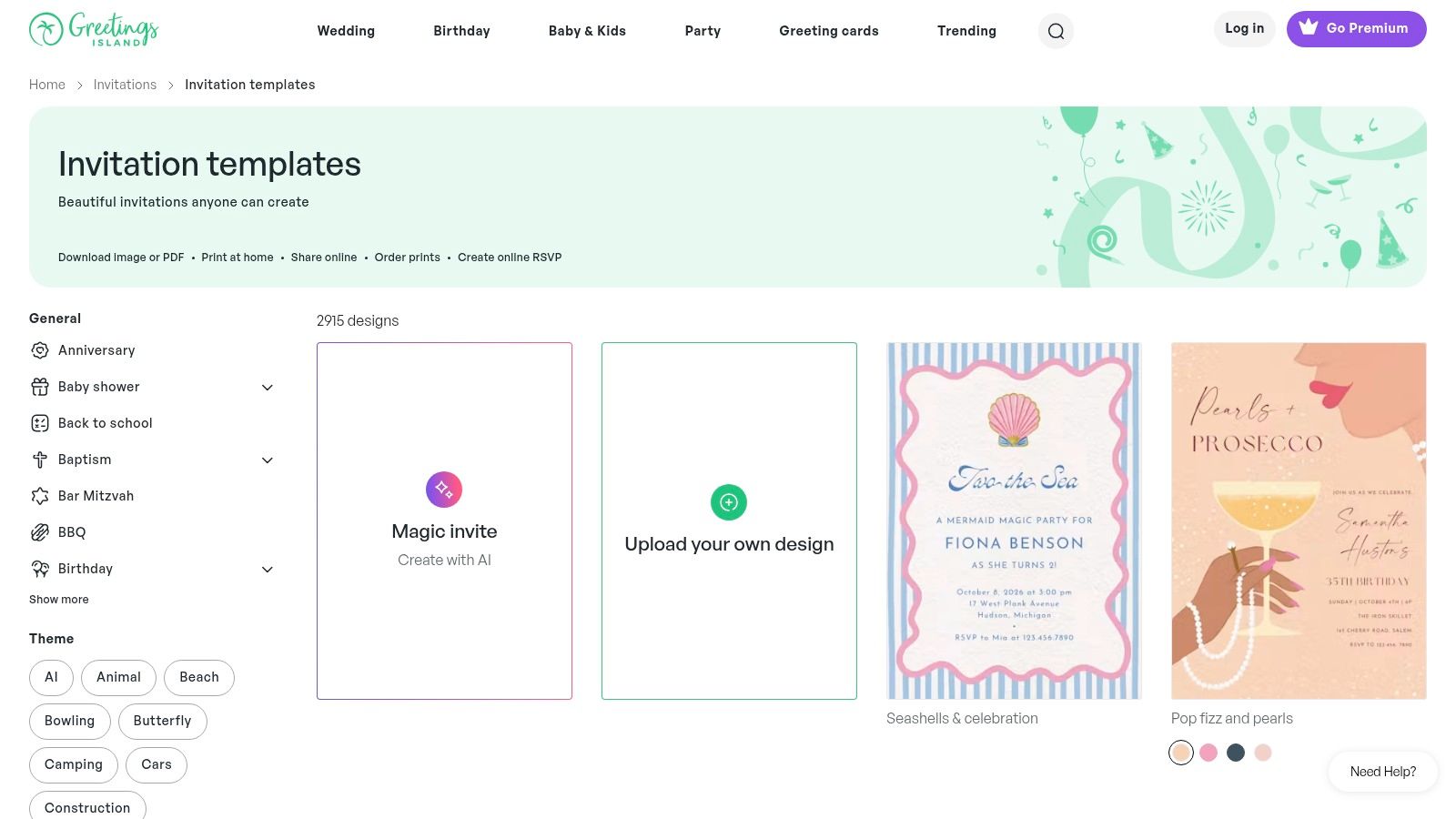
Greetings Island invitation designs are useful when time is limited and the invitation can stay simple. The editor offers many free designs, lower-cost premium layouts, shareable digital invitations, online RSVP options, and printed invitations through its U.S. shipping service.
The platform is easier to operate than a professional design suite, which makes it a practical choice for a league captain, volunteer committee member, or small event team. Start with a clean layout, replace the sample text, add the tournament logo, and place the registration URL where recipients can find it without scrolling or enlarging the image.
Greetings Island's RSVP feature can supplement the primary registration workflow. Use it to track whether people have seen or responded to the invitation, but avoid splitting important player data between two systems unless the event is simple. If Live Tourney is collecting registrations, teams, payments, or format selections, make that destination the definitive action.
Keep the design focused:
Lead with the event: Make the tournament name, date, and course immediately visible.
Explain participation: Include format, cost, deadline, and any requirements.
Make response easy: Add a direct registration link for digital recipients and a tested QR code for printed copies.
Reserve scoring for players: Provide a live-scoring link when it serves a clear tournament-day purpose.
The trade-off is control. Branding, layout precision, and asset management are simpler than in Canva, Adobe Express, Visme, or Venngage. For a quick invitation that looks clean and points people to the right page, that simplicity can be exactly what you need.
Top 10 Platforms for Golf Tournament Invitation Templates
Tool | Core features | UX / Quality | Value / Price | Target audience | Unique selling point |
|---|---|---|---|---|---|
Canva | Editable golf invite templates, drag‑drop editor, print/digital exports, Brand Kit | ★★★★☆, intuitive, fast | 💰 Free → Pro for premium assets | 👥 Clubs, event organizers, marketing teams | ✨ Deep asset library & rapid customization |
Adobe Express | Ready‑made golf layouts, Adobe Fonts, image tools, web & mobile | ★★★★☆, polished controls | 💰 Free/basic → Paid for brand features | 👥 Designers, clubs seeking polished invites | ✨ Professional typography & image tools |
PosterMyWall | 3,000+ golf templates, simple editor, download/print services | ★★★☆☆, very fast, variable quality | 💰 Budget downloads; subscription/credits | 👥 Charity/corporate outings, multi‑event series | ✨ Huge template catalog for quick variations |
Visme | Invitation templates, brand asset management, print‑ready exports | ★★★★☆, precise layout control | 💰 Paid plans for full features | 👥 Facilities needing consistent branded assets | ✨ Reuse elements across signage & slides |
Venngage | Info‑dense invite templates, brand kit, PNG/PDF export | ★★★☆☆, excellent for info‑heavy invites | 💰 Freemium → Business/Enterprise tiers | 👥 Corporate/charity events with detailed info | ✨ Best for invites that double as info sheets |
Zazzle | Marketplace of designer invites, many paper/finish options, print & ship | ★★★☆☆, production varies by designer | 💰 Print + shipping; price varies by design | 👥 Printed mailers for sponsors/members | 🏆 Vast style range + fulfillment handled |
Vistaprint | Customizable invitations, upload artwork, reliable U.S. production | ★★★★☆, consistent bulk prints | 💰 Cost‑effective for bulk + promos | 👥 Facilities reordering annual materials | ✨ Easy reorders and dependable production |
Paperless Post | Polished e‑invites, RSVP tracking, reminders, send via email/SMS | ★★★★☆, elegant digital UX | 💰 Coin model; costs scale with guest count | 👥 Corporate/club audiences preferring premium digital | ✨ Integrated RSVP & messaging workflows |
Evite | Free & Premium golf templates, RSVP tracking, mobile sending | ★★★☆☆, fast, casual | 💰 Free basic; Premium upgrades | 👥 Leagues, last‑minute outings | ✨ Very fast deployment with built‑in RSVPs |
Greetings Island | Many free designs, online RSVP, optional U.S. print shop | ★★★☆☆, simple and quick | 💰 Mostly free; low‑cost premiums & prints | 👥 Quick‑turn invites, small events | ✨ Very quick to create clean invites |
Turn a Finished Design Into a Better Registration Flow
A finished invitation isn't the finish line. It's the first handoff in the player journey. The strongest golf tournament invitation templates make the event attractive and understandable, then move the recipient into a registration process that staff can manage without copying details from emails, spreadsheets, and paper replies.
Start by choosing the delivery format. Use a print-ready PDF when the audience includes sponsors, club members, donors, or guests who expect a physical mailer. Use PNG or JPG for social and email graphics. Choose an online invitation service when RSVP tracking, reminders, guest messaging, and response monitoring matter more than design flexibility.
The invitation itself should make the essential information easy to scan:
Event identity: Include the tournament name, host, and purpose.
Core logistics: Show the date, start time, course name, address, and format.
Participation details: State the cost, entry or registration deadline, and any requirements.
Planning information: Add contact details, prize information, dress code, and optional details such as dinner, cart rental, or the charity beneficiary.
Primary action: Use one clear registration CTA, supported by a direct link or tested QR code.
Registration timing deserves attention. Practical guidance recommends sending invitations 2–3 months before the event so guests can reserve the date and organizers have time to collect responses and finalize logistics, as explained in this golf competition invitation guidance. When the schedule is shorter, a web-based invitation can speed distribution and response collection.
The registration deadline should also give the course enough time to finalize its count. One planner recommends setting the registration deadline several weeks before the course needs its final number, which makes the deadline more than a copy detail. It protects pairing, tee-sheet, catering, cart, and hospitality planning. The invitation should state that deadline plainly, instead of relying on a vague “RSVP soon.”
Use one primary CTA. Template guidance recommends a concise, action-oriented subject line, prominent date, time, location, and registration link, mobile-friendly formatting, minimal clutter, and follow-up messages timed to planning milestones. A strategic four-email sequence can support the initial invitation, deadline reminders, and final logistics without asking the original design to carry every message.
QR codes can be especially useful on printed invitations, signage, sponsor materials, and cart cards. Before printing, test the code from more than one phone, confirm that the destination opens without an app download, and verify that the URL is still correct. You can find additional guidance on using QR codes in event materials.
Keep registration and scoring separate unless the audience needs both at the same moment. Registration is where players commit, provide information, and complete payment or entry requirements. Live scoring is a player-facing experience for entering scores and following results during the event. Sending the scoring link too early, or giving it equal prominence to registration, can confuse recipients who haven't yet signed up.
Proof every version before release. Check the event name, date, time, course address, format, cost, deadline, sponsor logos, contact information, QR code, direct URL, and mobile readability. Open the digital invitation on a small screen, print a physical sample when mailers are involved, and ask someone unfamiliar with the event to identify the next action.
The best tool is the one that matches the event's real workload. Canva and Adobe Express are flexible design choices, PosterMyWall is useful for rapid variations, Visme and Venngage handle information-rich branding, Zazzle and Vistaprint support print production, and Paperless Post, Evite, and Greetings Island simplify digital delivery. Whichever platform you choose, the invitation works only when it leads cleanly into registration, confirmation, and a reliable live-scoring experience.
Live Tourney helps golf courses and event organizers create tournaments, leagues, and outings with app-free registration, real-time scoring, live leaderboards, and practical management tools on any device. Connect your invitation to a smoother player journey, then visit Live Tourney to start a 10-day free trial with no onboarding fees.





